
Full Page Screenshot — Entire Webpage, One File
Stop stitching viewport grabs. Auto Screen Shooter scrolls, waits for lazy content, and delivers one pixel-perfect full page screen capture — the same job people search as “Go Full Page” or “full screen capture,” with desktop and Chrome covered.
How-to guide
How to Take a Full Page Screenshot (3 Steps)
Works on Windows, macOS, and Chrome — same full-scroll result, whichever surface you prefer.
-
1. Install
Windows .msi, macOS .dmg, or the Chrome extension — all free to download.
-
2. Open the page
Use the tab you are on (Chrome) or paste any public URL in the desktop app — no browser tab required on desktop.
-
3. Shoot
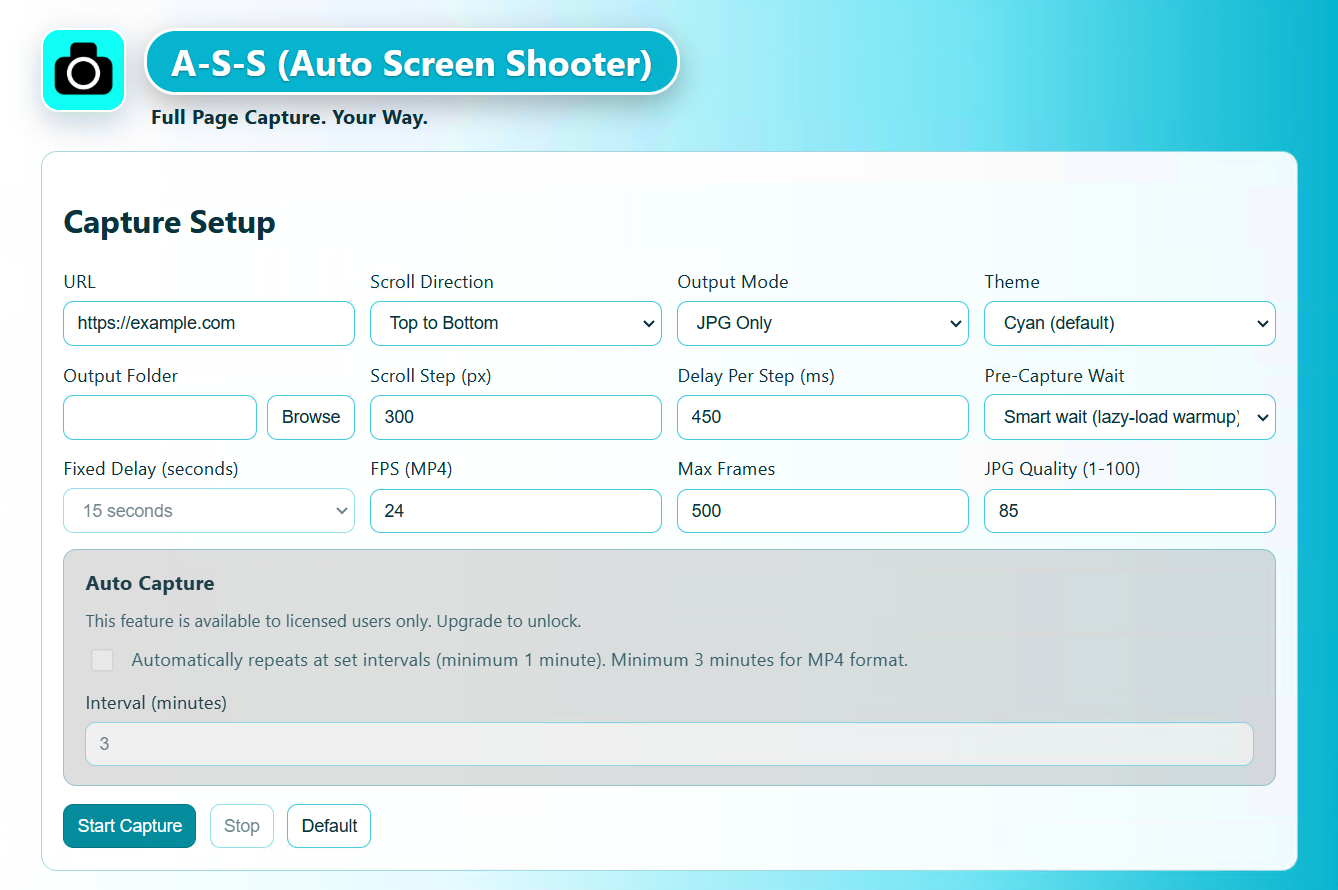
Pick format: JPG / PDF / MP4 on desktop; PNG / PDF in Chrome. One click, full length — lazy-loaded content included.
Output examples
Stitched Full Page Screenshots
Entire long pages in one seamless file — no manual stitching, no missing lazy-loaded content.
Full-page capture example
One file covering the entire vertical scroll of a webpage.

Desktop JPG — entire scroll
Captured headlessly from the desktop app without opening a browser tab.
Use cases
Who Needs Full Page Screenshots?
Anyone who needs the complete page — not just what fits on screen.
Web designers
Client sign-off PDFs with the entire page visible — header to footer in one file.
E-commerce sellers
Document Shopify or Etsy listings with complete page archives for records and disputes.
Legal & QA teams
Bug reports and evidence with full page context — not cropped viewport snippets. More use cases on the home page.
Frequently asked questions
Full Page Screenshot FAQ
What is a full page screenshot?
A full page screenshot captures the entire scrollable content of a webpage — not just the visible viewport — and stitches it into one image or PDF file. Auto Screen Shooter handles the scrolling, lazy-load waiting, and stitching automatically.
Can I take a full page screenshot without a browser?
Yes. The Windows and macOS desktop apps capture any public URL you paste — no browser tab required. Export as JPG, PDF, or MP4 scroll video.
Is Auto Screen Shooter free for full page screenshots?
Yes. Desktop and Chrome builds are free to download. See our free full page capture guide for what’s included, or the GoFullPage comparison for how A·S·S compares to browser-only tools.
Get Auto Screen Shooter Free
Desktop + Chrome · MP4 on Windows & Mac · One-time license from $29.99
Free tier available · 30-day refund guarantee · Windows 10+, macOS, Chrome